How can I play S.T.A.L.K.E.R. 2 Cost of Hope DLC on GeForce NOW?
After purchasing the game, you will need to enable the DLC for your account in Steam. Please follow the instructions below.
1) Launch the game on GeForce NOW.
2) You will launch to the Steam app. Do not launch the game yet.
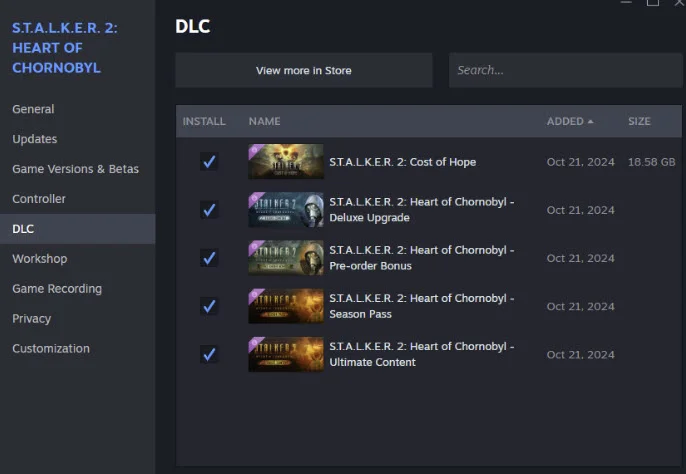
3) Go to the Steam Library, right mouse click on the game and select DLC
4) Wait for the PLAY button to appear in Steam app. When it is green, press PLAY to launch the game.
5) If the Cost of Hope DLC is not recognized in game, please exit the game using the game’s menu menu quit option
NOTE: Do not press ALT+F4, CMD+Q, or quit the GeForce NOW streaming.
6) Now launch the game again in the Steam app by pressing PLAY. This should make DLC contents available in the game.
7) Steps in 4-5 might need to be performed for each GeForce NOW launch of the game on GFN while we work to resolve the problem.