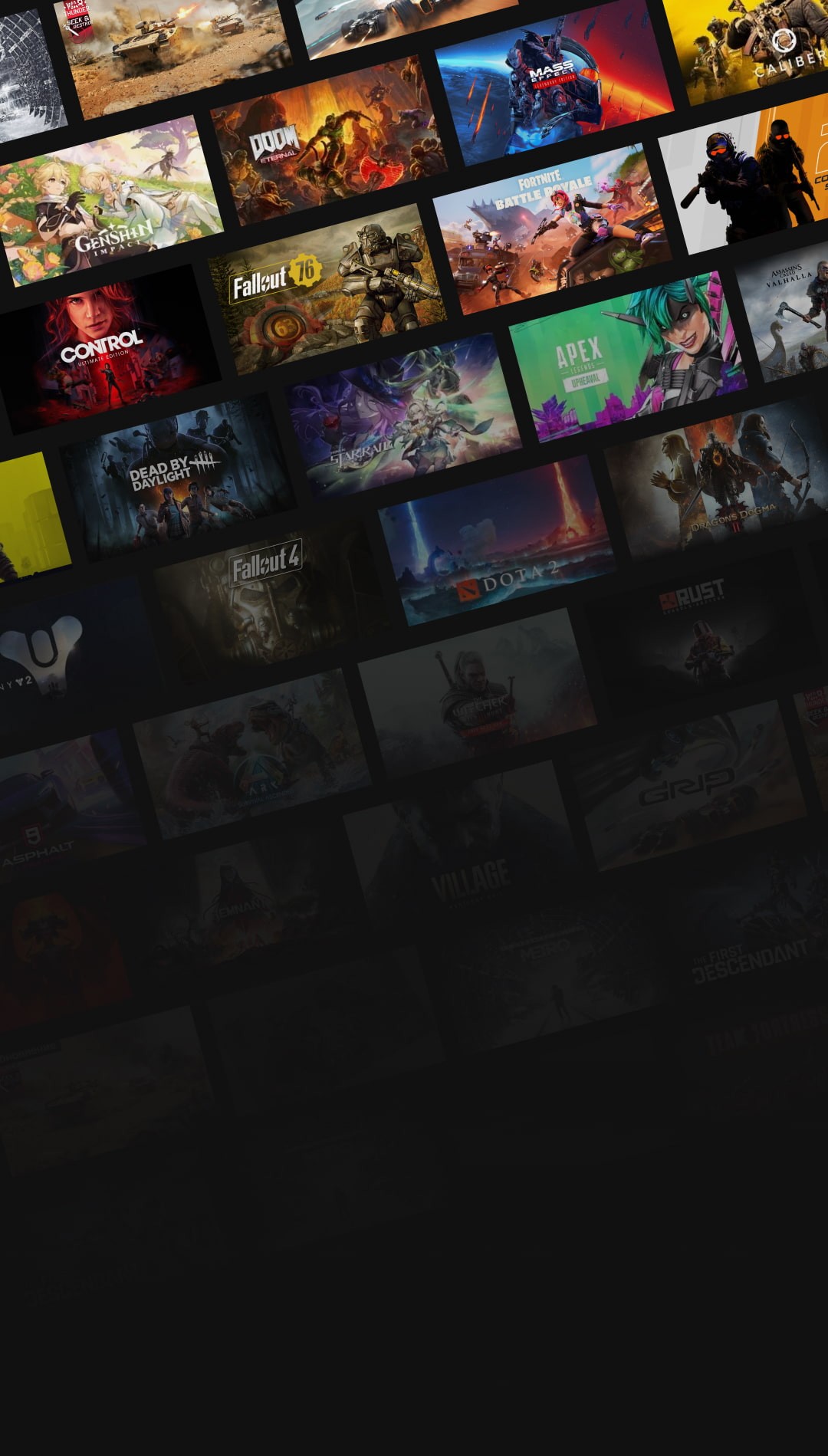
Play Steam games on your phone
GeForce NOW supports 2000+ titles on any device.
- Play anywhere
- No game downloads required
- On iOS and Android
ULTRA Gaming experience

Any device is a gaming one
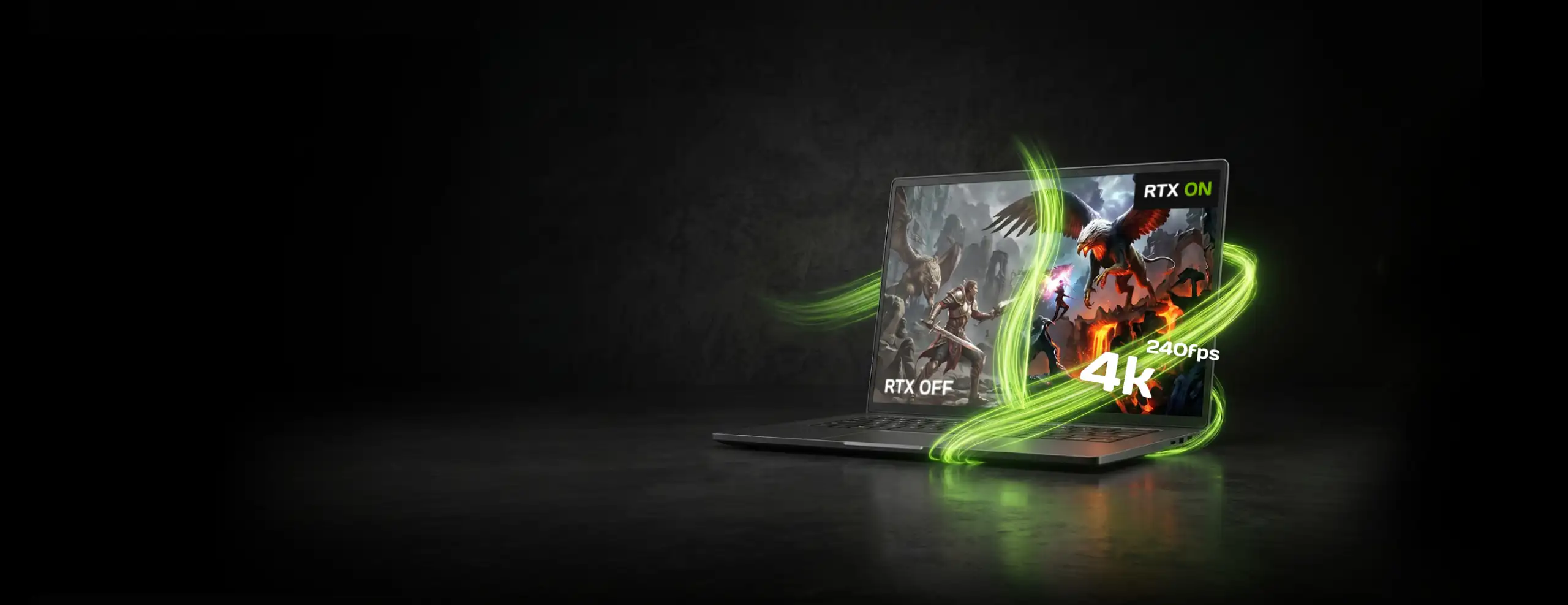
GFN.AM allows you to run demanding games on an old PC, Mac, Android smartphone or via a browser on iOS and Linux



Get Started in a Few Steps
Registration
Create an account on GFN.AM
and choose a subscription.
Installation
Download the app for Windows, macOS, Android, Linux, and Smart TV, or play directly in your browser on iOS/iPadOS.
Connect your libraries
Sign in to GeForce NOW and link your gaming store accounts. The service will automatically scan your library and show which of your games are available to play.
Launch
Select a game from your library in the service catalog, launch it, and start playing.
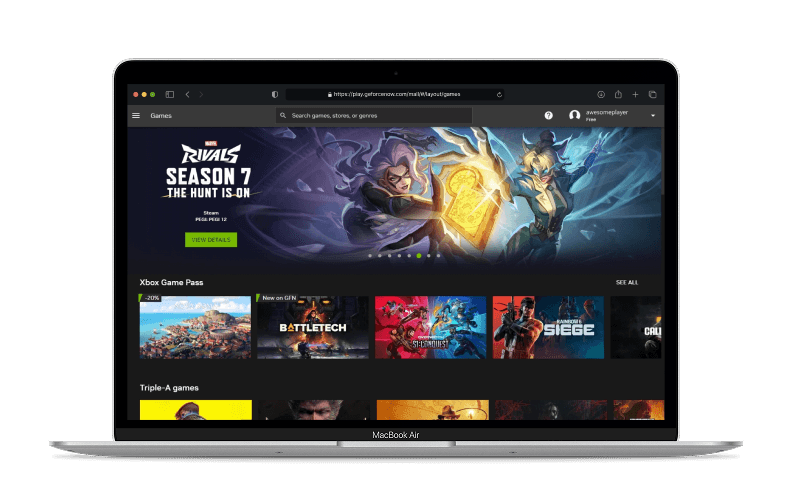
Choose how to play
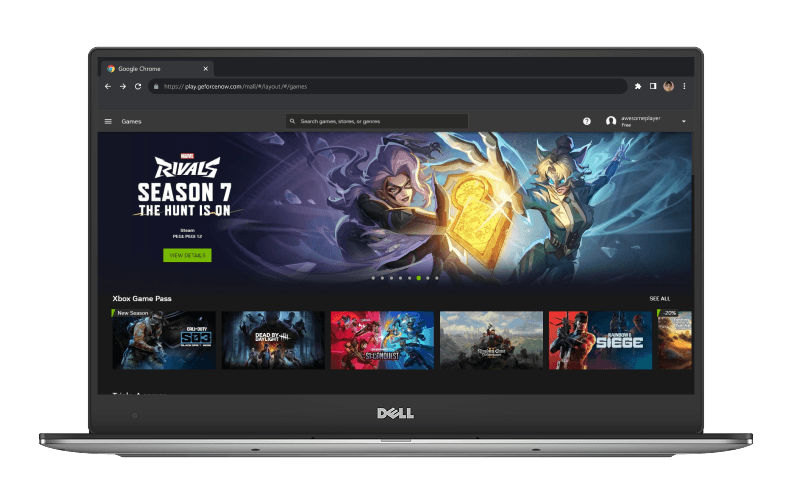
GeForce NOW is available in your browser or via the app
No installation or downloads required
Windows 10+, 64-bit
macOS 10.15 or later
Ubuntu 24.04 LTS
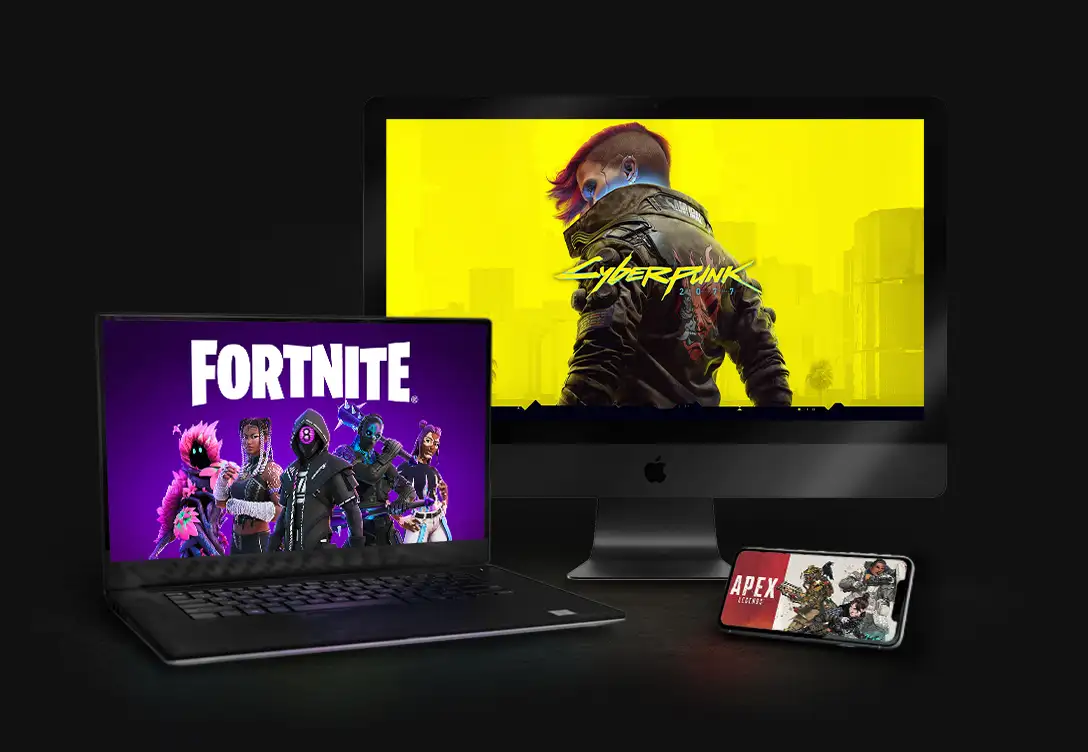
Choose how to play
All games are stored on our servers and launched from the cloud. You don't even need to download the app - you can play directly in your browser. You'll free up gigabytes of hard drive space for essays, photos, or wedding videos.
Games will start
in a second
While you sleep, we download and install all the updates. Then, games launch instantly due to the powerful servers.


Choose your plan
New

Gift GeForce NOW subscription
Turn playtime into the perfect gift for someone you care about.
Your games — our power
2,000+ games on GeForce NOW — connect to Steam, Epic Games, Ubisoft, Xbox, and Battle.net to play purchased or free-to-play games
Start playing right now
GFN.AM gives you cloud access to over 2,000 of your games. Launch them on any device and play your favorite genre.
Try for free